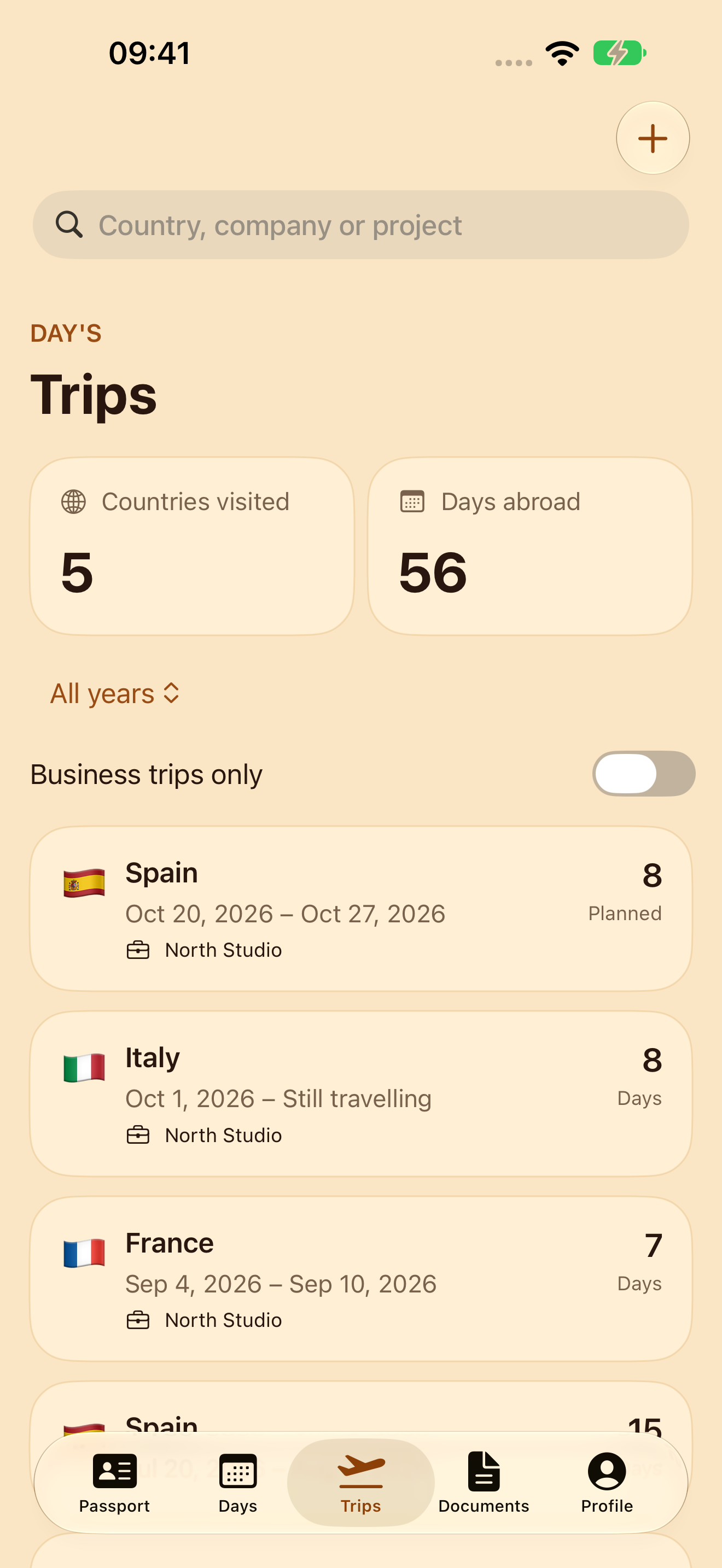
Rebuild your travel history before counting the days.
Old trips can be scattered across emails, calendars and boarding passes. Gather the dates in one record, keep track of what you checked and leave uncertain dates visibly unresolved.
Collect the record one trip at a time
- Choose the period you need to check. Write down its start and end. An empty calendar does not tell you whether you were away or have not entered the trip yet.
- Find possible trips. Search booking emails, calendar entries, boarding passes and your own notes. Use them as clues to build a list.
- Confirm what actually happened. A reservation may have been changed or cancelled. Record actual arrival and departure dates separately from planned travel. Keep a short source note so you can revisit a date.
- Mark gaps. If you know a trip happened but cannot confirm its dates, write “needs checking”. Do not turn a guess into a confirmed date just to finish the table.
- Review the whole period. Sort trips by date and check for duplicates, missing departures and overlapping entries. Keep future plans separate from completed trips.
A free template for your own records
Download the plain-text template and duplicate its trip block in Notes or any text editor. There is no signup or upload. You can also print this page and fill in the table below.
| Country | Arrived | Departed | Source and what needs checking |
|---|---|---|---|
| ____________ | __________ | __________ | ____________________ |
| ____________ | __________ | __________ | ____________________ |
| ____________ | __________ | __________ | ____________________ |
Use a consistent date format, such as 2026-10-15. Keep document numbers, booking codes and scans out of a shared copy of your checklist.
Use the dates with the right calculation
This template organises travel records; it does not calculate an authorised stay. For Schengen short stays, read the European Commission’s calculator instructions and check which rules apply to your documents and circumstances.
Keep the record in DAY’S
DAY’S brings manual trip entry, document records and a stay-day calendar together on iPhone. The core tracker is free, works offline and needs no DAY’S account or GPS.
Enter the dates you have checked and confirm the coverage of your history in the app. DAY’S 2.0 uses manual entry; the text template is for preparing your records, and cannot be imported into the app.
Optional monthly Premium adds future stay forecasts, local limit reminders and private iCloud sync.
Try the free DAY’S tracker